How I Build UIs with AI
A lot of people say UI work is difficult with AI, so I wanted to briefly share how I do it.
My workflow is:
With
$design-ui, the AI uses imagegen to create a mockup and asks for my approval.With
$add-issue, it attaches the approved mockup and prompt to an issue.With
$slop-fix-batch, it implements the issues in parallel.
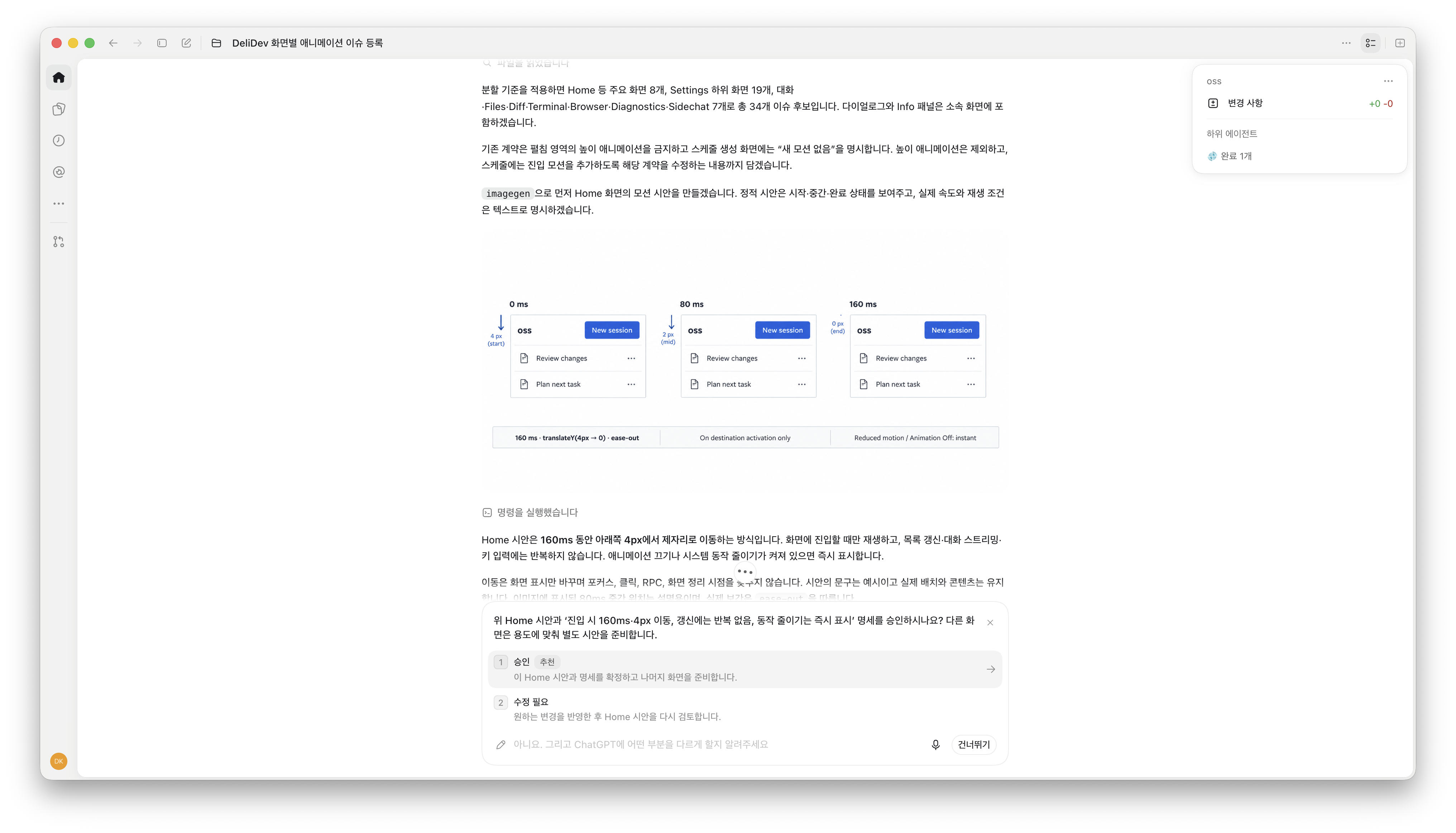
The attached screenshot shows the AI presenting an imagegen mockup and asking for approval. Here’s the prompt I used, translated from Korean:
I want to add appropriate animations to each screen in DeliDev. For each screen, $add-issue
The skills are in kdy1/kdy1-scripts. You can see an actual issue created using $add-issue and $design-ui here. The screenshots are in Korean.
For context, I merge into main without a separate review.
About the author
- CEO of Delino. I created SWC, an open-source compiler project, and previously worked at Deno and Vercel.
Comments
Join the discussionI like the idea of getting the mockup approved before letting AI touch the code. Fixing the direction early saves a lot of back and forth.
Do you mind putting us through the process?i want to know more about how you did it